By Sarah Brenner, JD Director of Retirement Education Question: Can I convert my traditional IRA to a Roth IRA even though I have no earned income for this year? Answer: While having earned income or taxable compensation is a requirement for making a tax-year...
Why Long-Term Care Deserves a Place in Your Financial Strategy Most people spend years preparing for retirement. They estimate how much income they may need, decide when to claim Social Security, review their investments, and think about Medicare. Yet one potentially...
By Ian Berger, JD IRA Analyst One of the most important features of Trump accounts is that they must be invested a certain way during the period before January 1 of the year the child turns age 18. (The IRS calls this the “growth period.”) The IRS recently issued...
By Sarah Brenner, JD Director of Retirement Education Naming a trust as your IRA beneficiary can help you meet important estate planning goals. However, if you are considering this, you should proceed with caution. Here are four common mistakes with IRA trusts you...
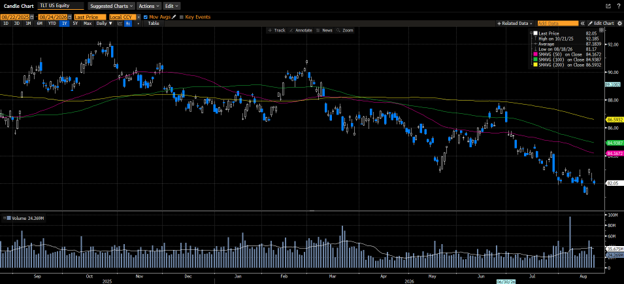
US equity markets took a step back last week in what turned out to be a very busy week. Increased yields on the long end of the curve prompted Treasury Secretary Scott Bessent to double buybacks of 10- to 30-year US Treasuries in an effort to temper the rise in...
Note that the example above uses jQuery to trigger the function call, but you could trigger the function call using any method you wish.fbq('track', 'Lead'); - To track the lead event on the page. Like Thank you page after submitting the lead.
If you have the Thank you page after submitting the lead then you can paste this code on the page and it'll track it as a successful lead.
If instead you wanted to track a standard purchase event when the visitor clicks a purchase button, you could tie the fbq('track') function call to the lead button on your page, like this: