Retirement should be a time filled with freedom, confidence, and peace of mind — not uncertainty and financial stress. Yet many people unknowingly make decisions during their working years that can create major challenges later in life. The good news is that most...
By Andy Ives, CFP®, AIF® IRA Analyst It’s been nearly 3½ years, and still no news. No guidance. No updates. Background: In December 2022, the SECURE 2.0 Act was signed into law. That legislation contained an extensively discussed provision – allowing excess dollars in...
Choosing the right Medicare coverage can feel overwhelming, especially with so many options available today. One of the most common questions people ask when approaching retirement is: “Should I choose a Medicare Advantage plan or a Medicare Supplement plan?”...
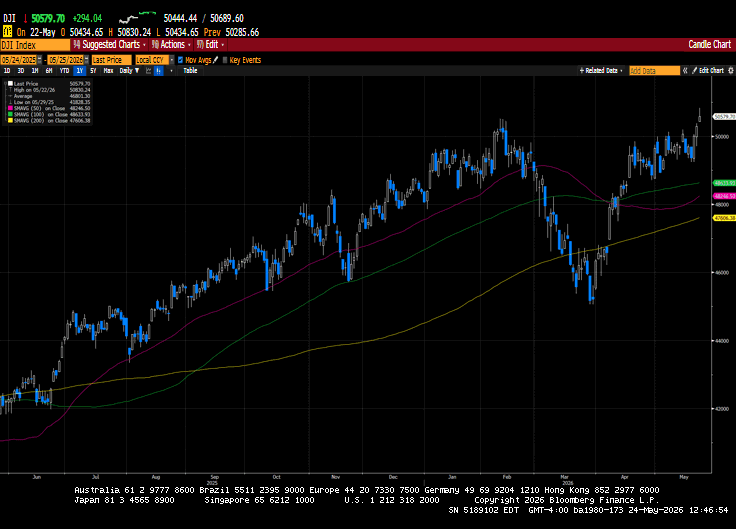
Happy Memorial Day weekend, and thank you to all the brave men and women who have served our country to ensure our freedom. Markets took a step forward last week in what I would consider a complete reversal of the prior week’s action. A broadening-out trade...
By Andy Ives, CFP®, AIF® IRA Analyst QUESTION: I have a 401(k) plan with a previous employer that is a mix of pre-tax and Roth money. I’m considering a direct rollover of the 401(k) to an IRA. How would that work since it’s a mix of pre-tax and after-tax funds? Would...
Note that the example above uses jQuery to trigger the function call, but you could trigger the function call using any method you wish.fbq('track', 'Lead'); - To track the lead event on the page. Like Thank you page after submitting the lead.
If you have the Thank you page after submitting the lead then you can paste this code on the page and it'll track it as a successful lead.
If instead you wanted to track a standard purchase event when the visitor clicks a purchase button, you could tie the fbq('track') function call to the lead button on your page, like this: