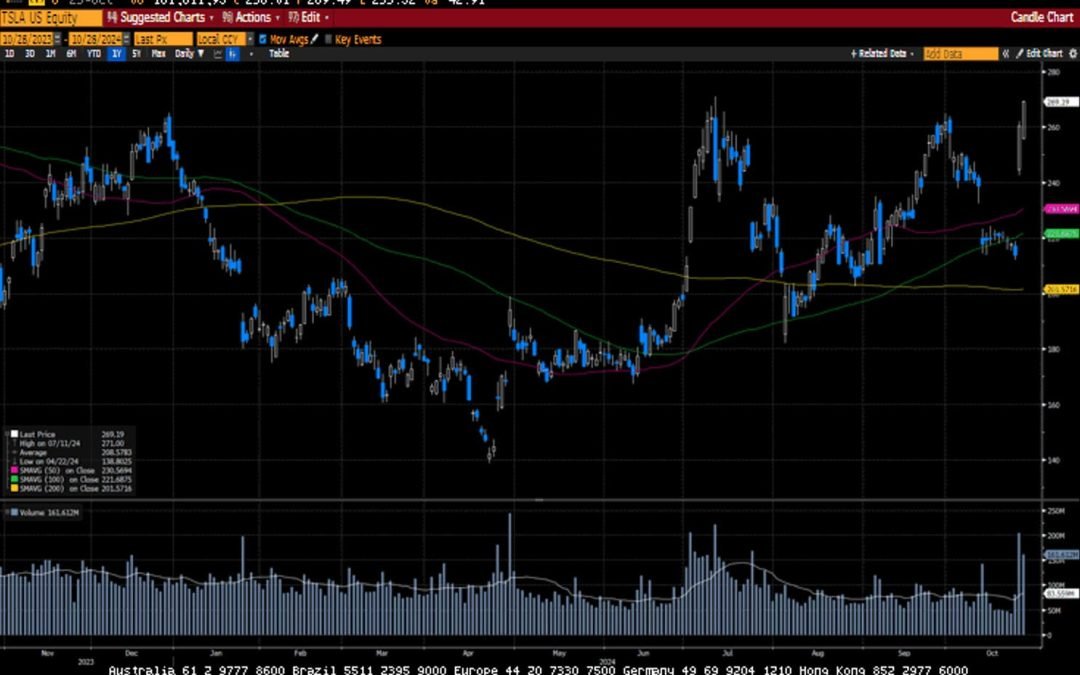
-Darren Leavitt, CFA Global markets pulled back last week as investors took the opportunity to reduce some risk before a very close US Presidential election. In the US, nearly 20% of the S&P 500 reported earnings. Generally, results came in better than expected;...
Sarah Brenner, JD Director of Retirement Education The year 2024 has flown by and the holidays season will soon be upon us. That means time is running out on year-end IRA deadlines. You will want to be sure to get the following three IRA-related tasks done...
It’s important to plan for your health care needs, but sometimes life throws unexpected curve balls. And when that happens, you’ll need to know what’s covered. Fortunately, there are ways you and your loved ones can get the necessary care at home. Here’s what you need...
The Federal Reserve just reduced interest rates for the first time in four years. Here’s how it will impact borrowers and saver What goes up must come down, and after four years, that’s finally true about interest rates. The Federal Reserve cut its benchmark rate on...
By Andy Ives, CFP®, AIF® IRA Analyst This article is NOT about the “ghost rule” applicable to non-living beneficiaries. That payout rule applies when a non-person beneficiary (like an estate) inherits an IRA when the original owner died on or after his required...
Note that the example above uses jQuery to trigger the function call, but you could trigger the function call using any method you wish.fbq('track', 'Lead'); - To track the lead event on the page. Like Thank you page after submitting the lead.
If you have the Thank you page after submitting the lead then you can paste this code on the page and it'll track it as a successful lead.
If instead you wanted to track a standard purchase event when the visitor clicks a purchase button, you could tie the fbq('track') function call to the lead button on your page, like this: